What makes Proton X70 voice command ‘factotum’?

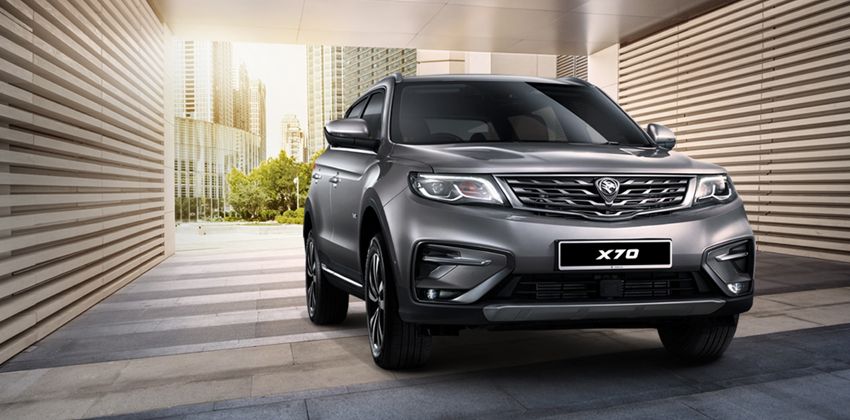
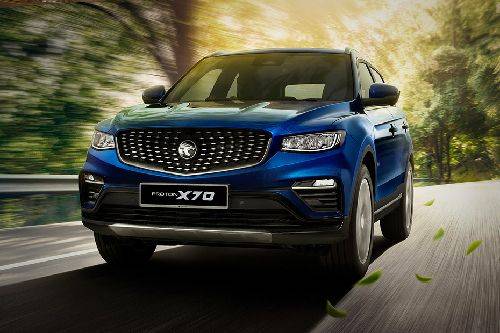
Proton X70 had been in the news for the last couple of months. Remember the motor convoy that toured 13,000 km from Malaysia to China and traced back the same route, completing the trip on 8 April 2019? And the X70’s accessories announced by the company a week ago? Well, there is one more thing to discuss about the Proton’s nameplate, and that’s its voice command!
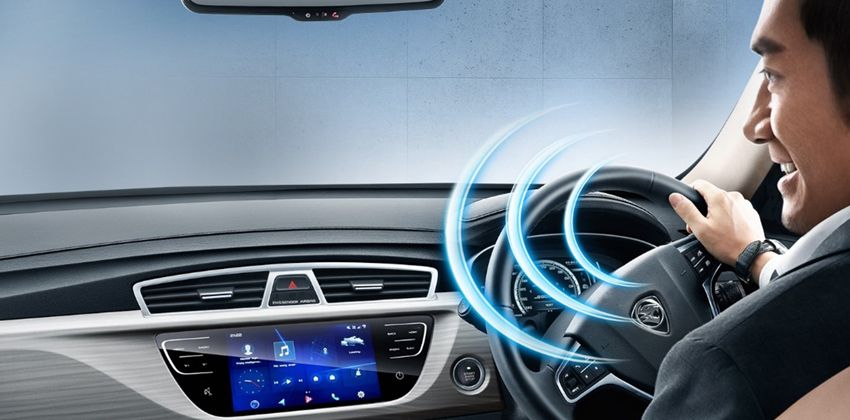
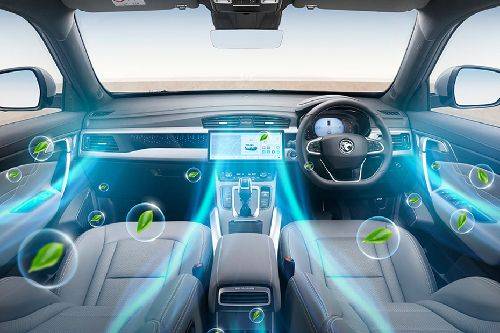
Pronounce “Hi Proton!” and you will enter a wide range of possibilities and that too hands-free. The best part is that you don’t even need to wait for the prompt, i.e., you can simply attach the command alongside the activation command to make the system do the desired job. Let us see the list of things that the voice command system has in its court.
To start with the phone connectivity. The system can place a call for you and can display the contacts and call logs. You can directly ask it to to make a call by saying “Call for me” or “Wanna dial the number ”. Whereas, a simple command like “see the contacts” or “show the call history” can be used for accessing the contact and call logs, respectively.
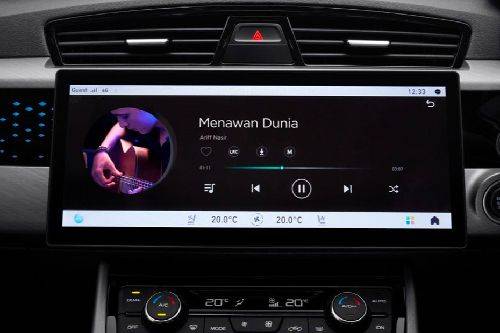
You can listen to your favourite songs by just naming it and can also ask the system to play songs of a particular artist. Also, you can add songs as ‘favourite’, hover along with the playlist and can furnish a few details about the song. The command system also offers radio control that can be controlled with simple keywords.
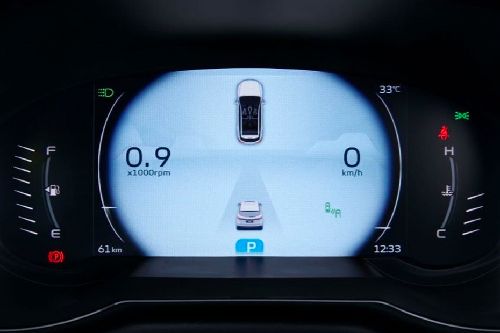
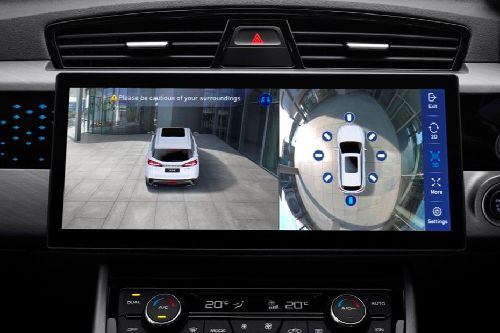
Furthermore, it exempts you from the need to use the touch panel to change settings. Using voice commands, you can turn on/off WiFi/Bluetooth/WiFi hotspot and can adjust the volume and brightness of the display. One word commands like ‘louder’, ‘softer’, ‘quieter’ etc. and ‘darker’, ‘brighter’, ‘lighten’ etc. can be employed to adjust volume and brightness, respectively. Moreover, you can use voice commands to operate the Around View Monitor (AVM) - 360 Camera for having a surrounding or panoramic view.
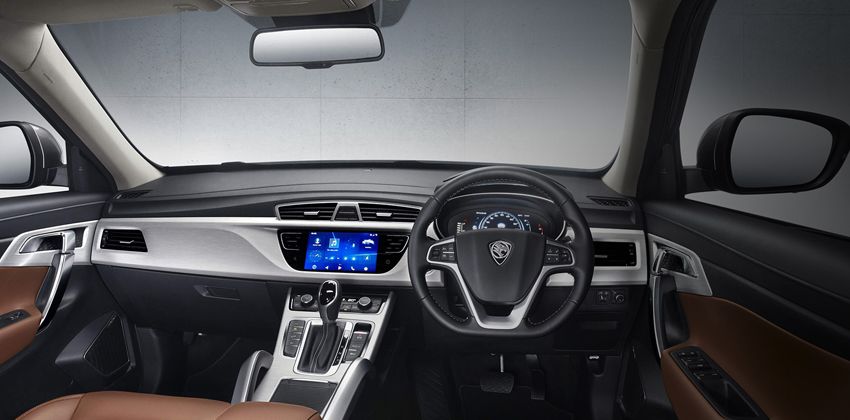
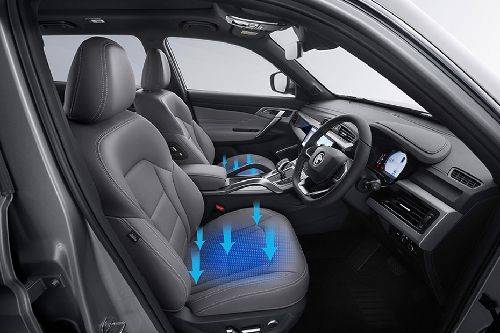
Don’t ask, just make the system aware that “It’s hot” or “It’s cold” and it will adjust the AC accordingly. The AC can also be turned on/off, and one can set the minimum or maximum temperature without using any buttons or dials. You can also use commands like “Set temperature to 25 (your choice)” to get the preferential degree of cooling.
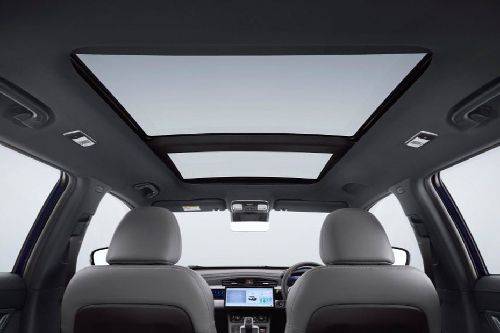
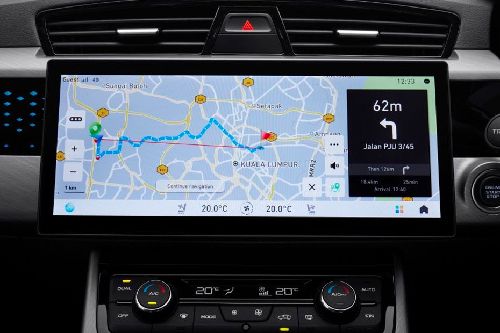
The windows and sunroof can also be controlled, and you can also rule the navigation system using voice commands. Got any query? Throw it at the system, and it will help you with nearby masjid (mosque), hospital, ATM, restaurants and much more.
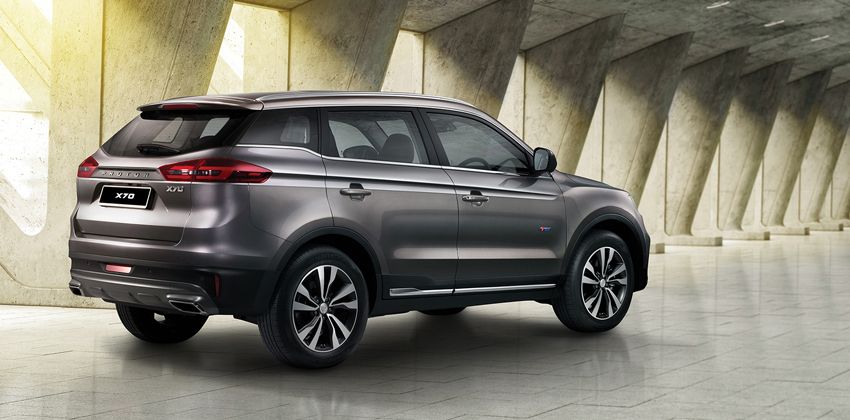
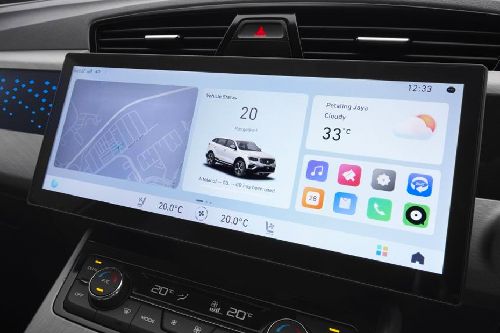
Last but not least, you can also ask the system about the date and weather condition of your place.

-
Explore Proton X70
-



Proton X70 Related Stories
- News
- Featured Stories
- Expert Review
-
 PROTON welcomes back Dato’ Abdul Rashid Musa as Deputy CEO
KUALA LUMPUR: PROTON Holdings Berhad has officially confirmed the return of Dato’ Abdul Rashid Musa to the company, this time...
Read MoreAdam Aubrey, Nov 04, 2025 -
Proton’s September 2025 sales figures out — X50, Saga, e.MAS 7 taking the lead
KUALA LUMPUR: Proton has revealed its group sales figures for September 2025. During the last month of the third quarter,...
Read MoreSippi Vig, Oct 06, 2025 -
Proton crosses 100k YTD sales; August marks highest sales in 36 months
KUALA LUMPUR: Proton has revealed the sales report for August 2025. During the month, the national automaker managed to sell...
Read MoreSippi Vig, Sep 11, 2025


-
2025 Proton X70: Variants explained
Proton has reignited customers’ interest in its pioneering SUV, the X70, by giving it a major facelift last month. The...
Read MoreSippi Vig, Sep 19, 2024 -
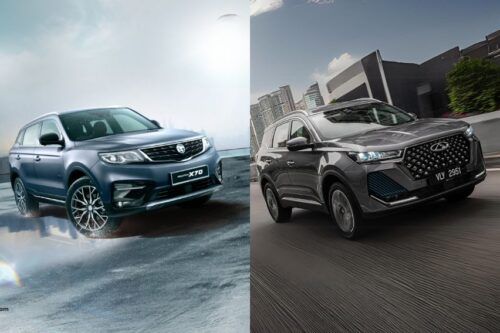
SUV face-off: Can Chery Tiggo 7 Pro outshine Proton X70?
The competitive landscape of C-segment SUVs recently welcomed the Chery Tiggo 7 Pro as the new entrant, which has the...
Read MoreSippi Vig, Jul 01, 2024 -
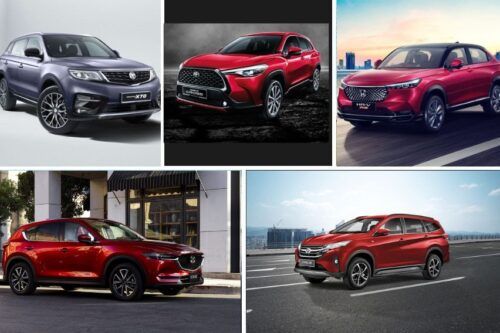
Here are the top 5 SUVs to consider right now
We share our thoughts on what we think to be the five best SUVs on sale right now. When any...
Read MoreDaniel Fernandez, Jun 29, 2022

-
Review: 2025 Proton X70 Facelift – New grille, elevated thrill, still Malaysia’s darling?
Let’s take a ride down memory lane. Back in 2018, when Proton first introduced the X70, it was a game-changer....
Read MoreAdam Aubrey, Dec 03, 2024

Proton Car Models
-

Proton S70 -
Proton Iriz -
Proton Persona -
Proton X90 -
Proton e.MAS 7 -
Proton X70 -
Proton e.MAS 5 -
Proton X50 -
Proton Saga
Don't Miss
-
PROTON welcomes back Dato’ Abdul Rashid Musa as Deputy CEO
-
JETOUR Malaysia names Mohd Azhar Mustaffa Kamal as Sales Director
-
Proton’s September 2025 sales figures out — X50, Saga, e.MAS 7 taking the lead
-
Jetour drives Malaysia Sarong Music Run 2025 as official automotive partner
-
Proton crosses 100k YTD sales; August marks highest sales in 36 months
Malaysia Autoshow


Trending & Fresh Updates
- Latest
- Popular
-

-
-
-
-
What makes the Perodua QV-E a game-changing EVSippi Vig, Dec 10, 2025
-
-
-
-
-
Electric Car: A comprehensive buying guidePurva Jain, Jul 01, 2024
-
Must watch automotive movies for enthusiastsPurva Jain, Feb 21, 2024
-
Car Rust-proofing 101: All you need to knowPurva Jain, Feb 15, 2024






-
-
-
-
-
What makes the Perodua QV-E a game-changing EVSippi Vig, Dec 10, 2025
-
-
-
-

You might also be interested in
- News
- Featured Stories





Proton Featured Cars
- Latest
- Popular
-
Proton SagaRM 38,990 - 49,990 OTR Price Kuala LumpurEMI : RM 455 x 844.21 (77 Reviews) VIEW DECEMBER OFFERS
-
Proton e.MAS 5RM 59,800 - 72,800 OTR Price Kuala LumpurEMI : RM 698 x 844 (1 Reviews) VIEW DECEMBER OFFERS
-
Proton X50RM 85,800 - 109,300 OTR Price Kuala LumpurEMI : RM 1,002 x 844.24 (69 Reviews) VIEW DECEMBER OFFERS
-
Proton e.MAS 7RM 105,800 - 119,800 OTR Price Kuala LumpurEMI : RM 1,235 x 844.14 (14 Reviews) VIEW DECEMBER OFFERS
-
Proton S70RM 73,800 - 94,800 OTR Price Kuala LumpurEMI : RM 861 x 843.93 (29 Reviews) VIEW DECEMBER OFFERS
-
Proton IrizRM 42,764 OTR Price Kuala LumpurEMI : RM 499 x 844.01 (69 Reviews) VIEW DECEMBER OFFERS
-
Proton PersonaRM 47,800 - 58,300 OTR Price Kuala LumpurEMI : RM 558 x 844.15 (75 Reviews) VIEW DECEMBER OFFERS
-
Proton X90RM 123,800 - 152,800 OTR Price Kuala LumpurEMI : RM 1,446 x 844.23 (26 Reviews) VIEW DECEMBER OFFERS
-
Proton e.MAS 7RM 105,800 - 119,800 OTR Price Kuala LumpurEMI : RM 1,235 x 844.14 (14 Reviews) VIEW DECEMBER OFFERS
Compare & Recommended
|
|
|
|
|
|
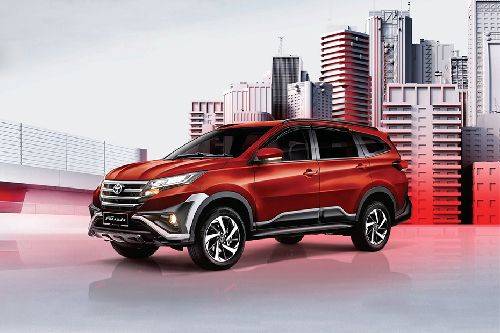
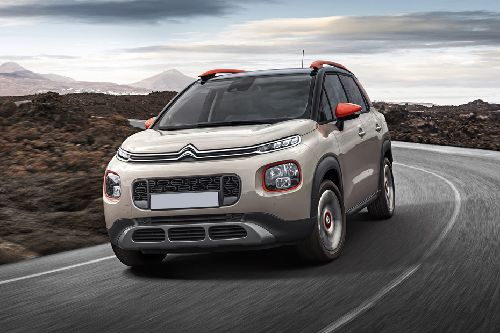
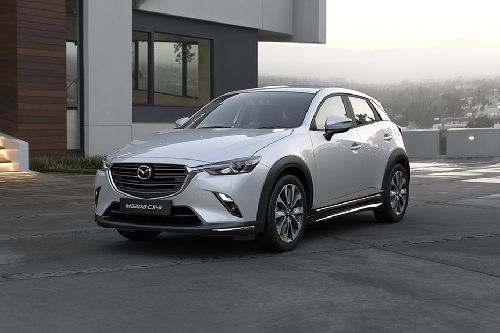
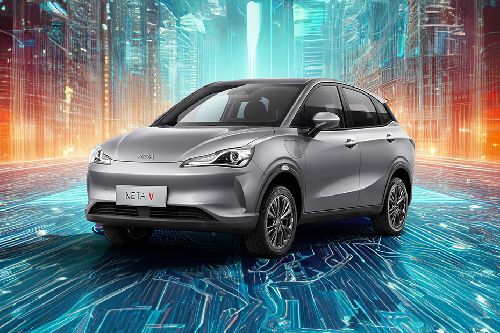
Seating Capacity
5
|
7
|
5
|
5
|
5
|
|
Fuel Type
Petrol
|
Petrol
|
Petrol
|
Petrol
|
Electric
|
|
Engine
1477
|
1496
|
1199
|
1496
|
-
|
|
Power
175
|
104
|
110
|
114
|
94
|
|
Torque
255 Nm
|
136 Nm
|
205 Nm
|
149 Nm
|
160 Nm
|
|
Transmission Type
Dual Clutch
|
Automatic
|
Automatic
|
Automatic
|
Automatic
|
|
Ground Clearance
-
|
220 mm
|
-
|
145 mm
|
-
|
|
|
Trending SUV
- Latest
- Upcoming
- Popular
-
LEAPMOTOR B10RM 107,800 - 118,800 OTR Price Kuala LumpurEMI : RM 1,259 x 84Write a Review VIEW DECEMBER OFFERS
-
Mercedes Benz GLE-ClassRM 498,888 - 1.19 Million OTR Price Kuala LumpurEMI : RM 5,830 x 844.47 (30 Reviews) VIEW DECEMBER OFFERS
-
Lexus GXRM 780,000 - 830,000 OTR Price Kuala LumpurEMI : RM 9,115 x 84Write a Review VIEW DECEMBER OFFERS
-
-
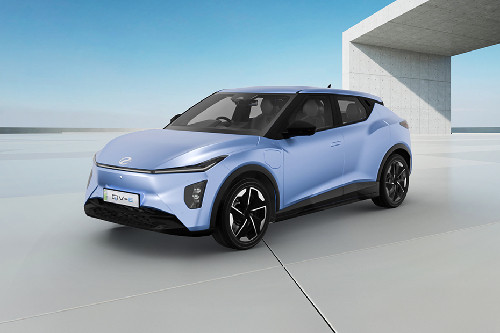
iCAUR V23RM 119,800 - 132,800 OTR Price Kuala LumpurEMI : RM 1,399 x 84Write a Review VIEW DECEMBER OFFERS
-





-
Toyota Yaris CrossRM 130,400 Expected Price Kuala LumpurExpected Launch TBA Alert Me When Launched
-
-
-
-
-

-
Peugeot 3008RM 170,343 OTR Price Kuala LumpurEMI : RM 1,990 x 844.35 (23 Reviews) VIEW DECEMBER OFFERS
-
Toyota Corolla CrossRM 130,900 - 146,000 OTR Price Kuala LumpurEMI : RM 1,529 x 844.27 (45 Reviews) VIEW DECEMBER OFFERS
-
Perodua AtivaRM 62,500 - 73,400 OTR Price Kuala LumpurEMI : RM 730 x 844.18 (45 Reviews) VIEW DECEMBER OFFERS
-
Toyota RushRM 93,000 - 97,000 OTR Price Kuala LumpurEMI : RM 1,086 x 844.28 (60 Reviews) VIEW DECEMBER OFFERS
-
Mazda CX-5RM 143,300 - 187,200 OTR Price Kuala LumpurEMI : RM 1,674 x 844.35 (63 Reviews) VIEW DECEMBER OFFERS
-
Mazda CX-30RM 131,000 - 159,000 OTR Price Kuala LumpurEMI : RM 1,530 x 844.47 (36 Reviews) VIEW DECEMBER OFFERS